
The VHS look is the video
Color bleed, scan lines, tape noise, date stamps, and a short tracking roll become the finished video you replay and share.
A pocket camcorder for old souls
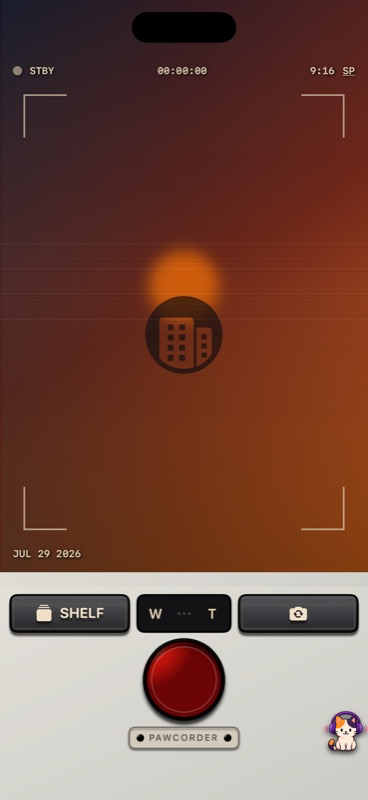
Press REC and Pawcorder turns that moment into one rewindable VHS—with 1990s color, tracking, date stamps, and a shelf made for memories.
Why Pawcorder
Color bleed, scan lines, tape noise, date stamps, and a short tracking roll become the finished video you replay and share.
Recording and VHS processing happen on-device. Video, audio, tape titles, and file names are not sent to analytics or ads.
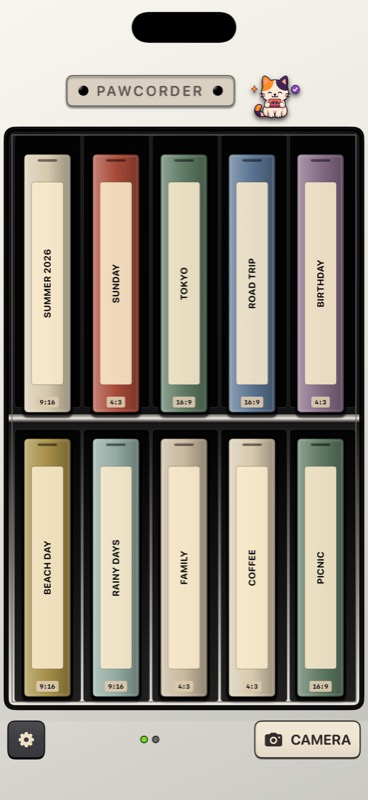
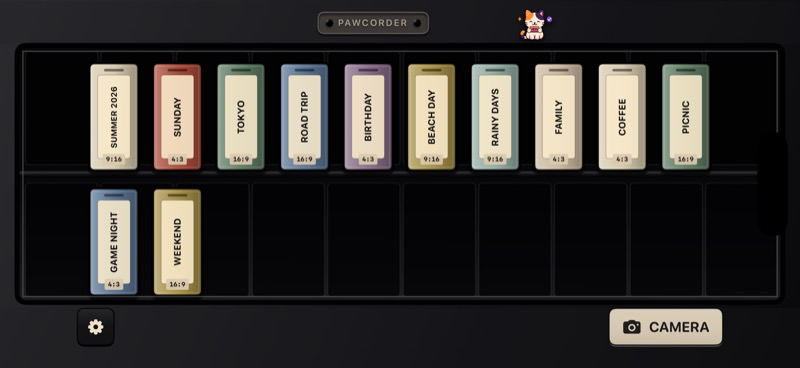
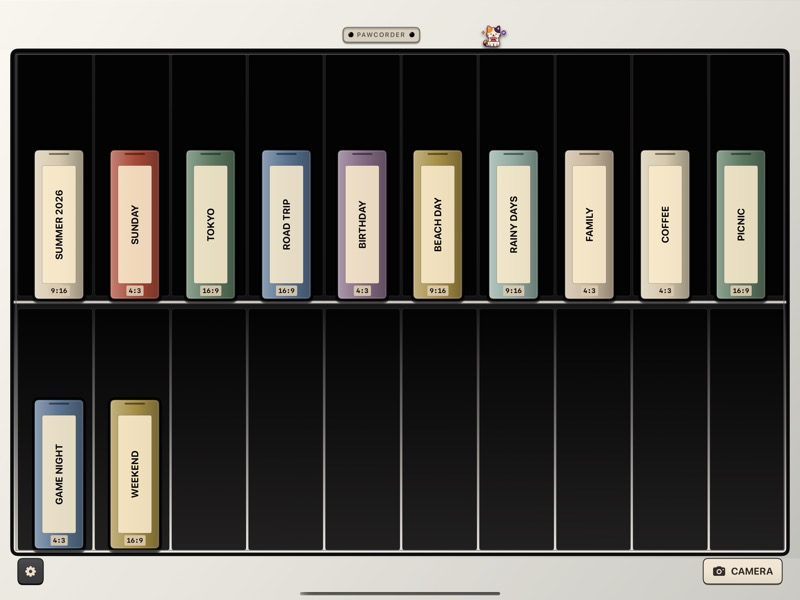
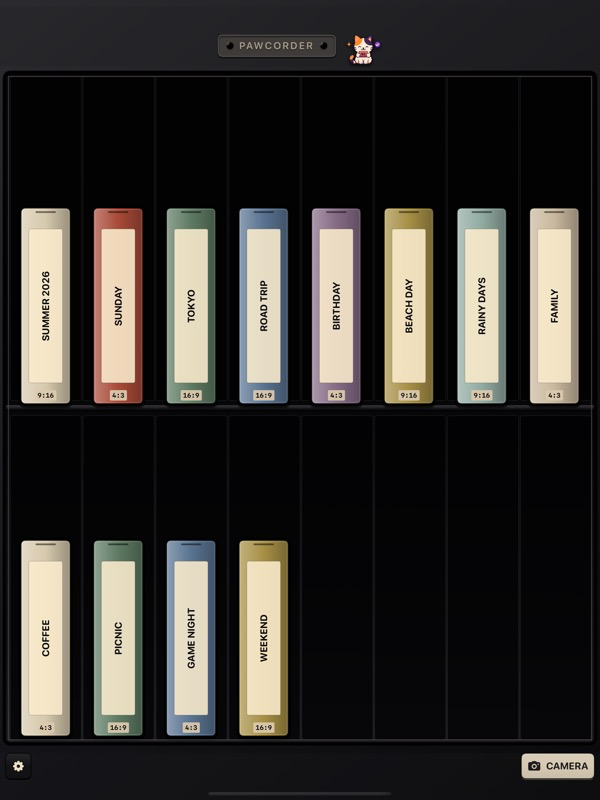
Every recording becomes a labeled tape. Pull one from the shelf to see its details and play it in the deck.
One recording · One tape
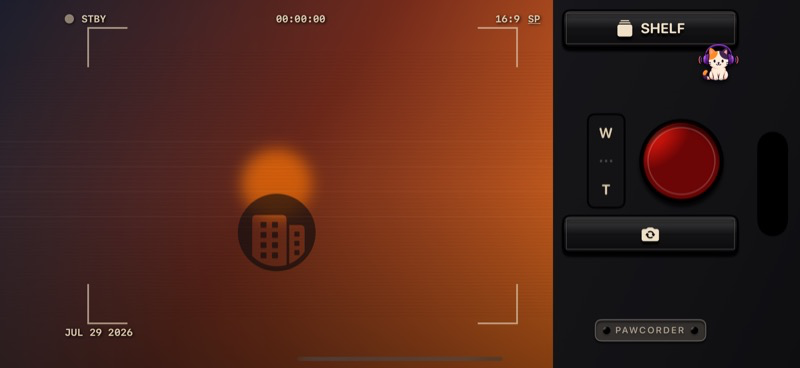
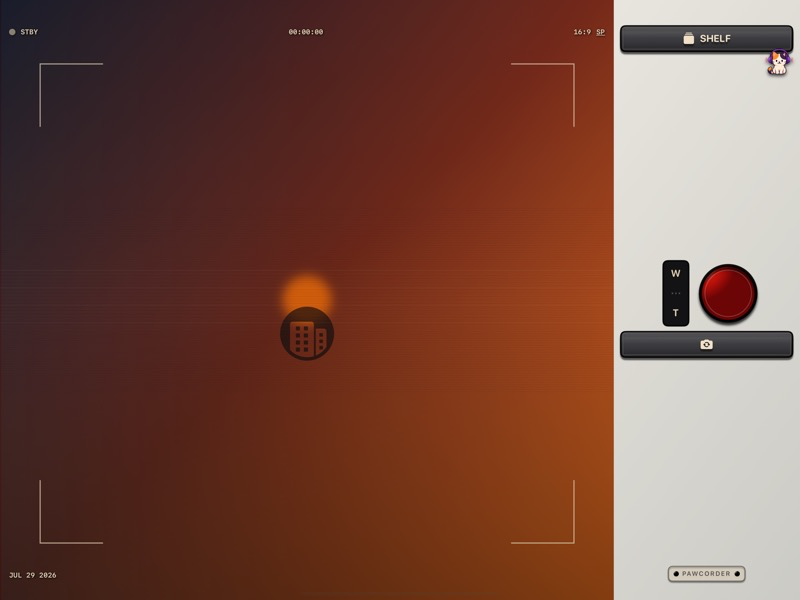
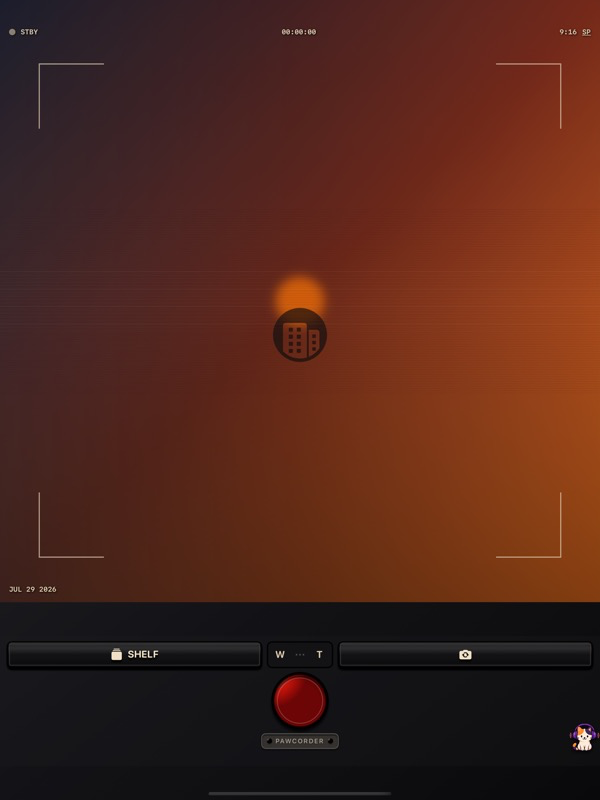
Press the red button and film in portrait or landscape.
Pawcorder safely keeps the recovery master, then makes the VHS copy on-device.
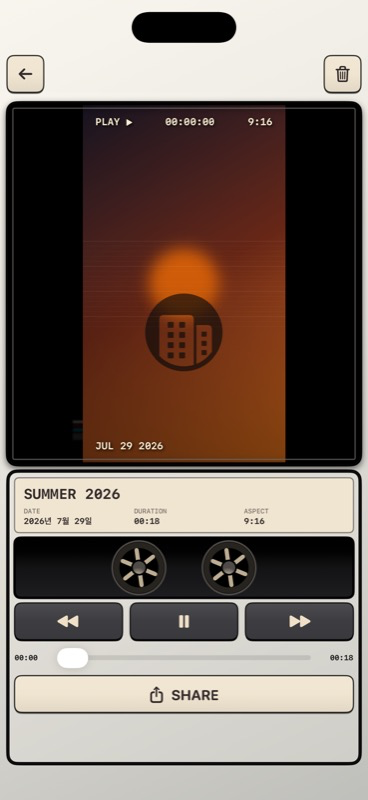
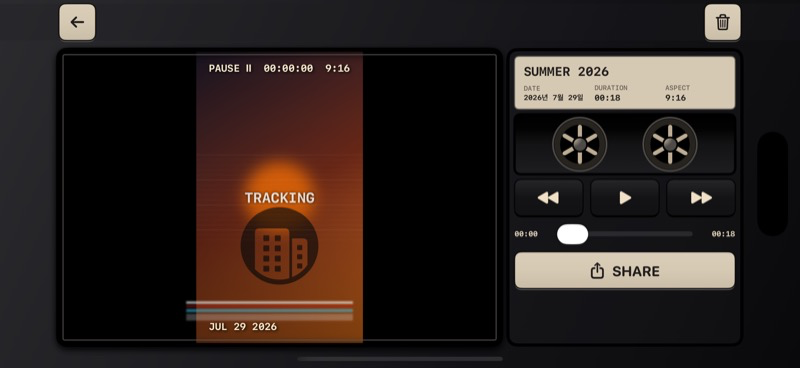
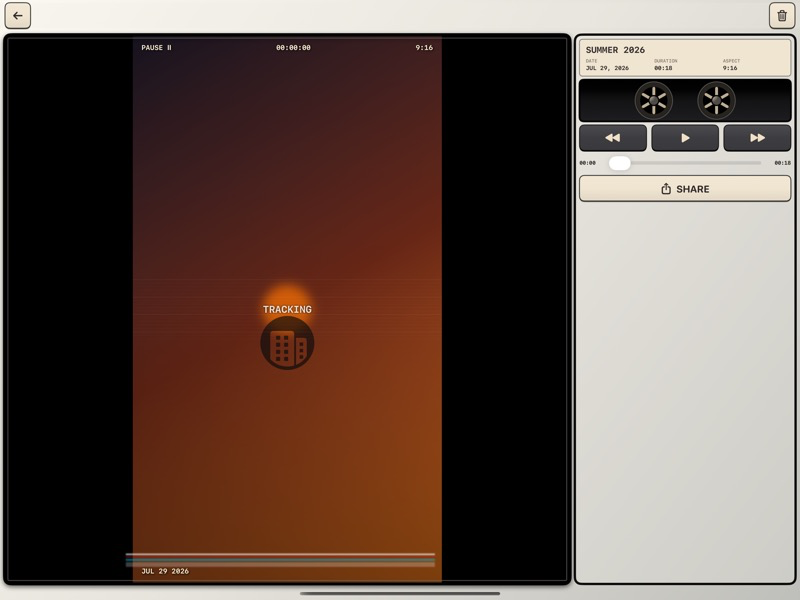
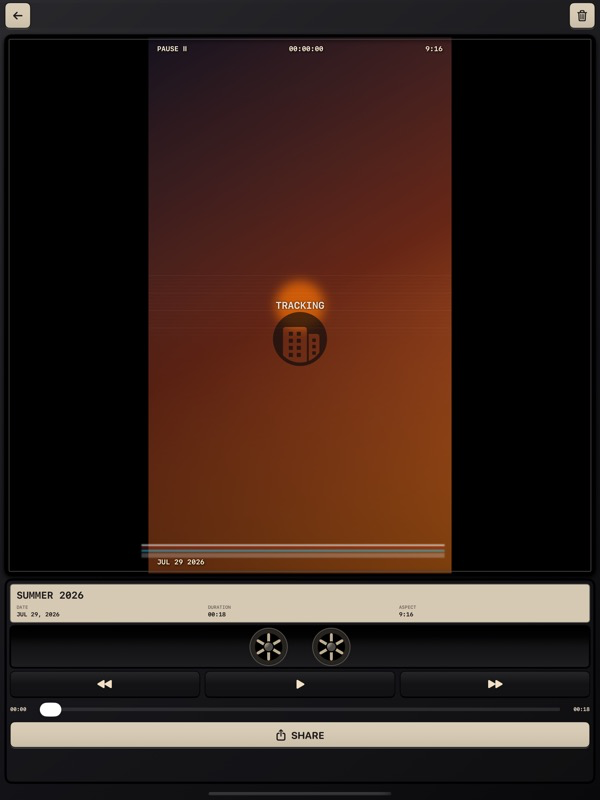
Pull the tape from your shelf, play it, save it to Photos, or share it.
The real app
These are current Pawcorder screens—not concept art. The interface adapts across iPhone, iPad, portrait, landscape, light, and dark appearances.
Offline first
Core recording, VHS processing, the tape shelf, playback, and local recovery work without an account or network connection.
Read the privacy policyFAQ
No. Your master and VHS copy stay on your device unless you choose Photos or a destination in the system share sheet.
Yes. Camera, rendering, shelf, playback, and recovery are offline-first. Ads and optional diagnostics simply remain unavailable.
Pawcorder may show one interstitial only after three successful tapes when you choose to enter the shelf. It never interrupts recording or rendering.
They start off. You can separately allow or stop anonymous usage analytics and crash reports in Settings.